
Can I print, copy, scan, or fax at the Libraries?
Answer
The University Libraries offers printing and scanning services. We no longer offer copying or faxing services.
All University Libraries have desktop computers and printers for UofM students and employees. UofM students and employees can also print from their personal devices. Visit IT's iPrint website for information on printing, adding funds, emergency print funds, and more.
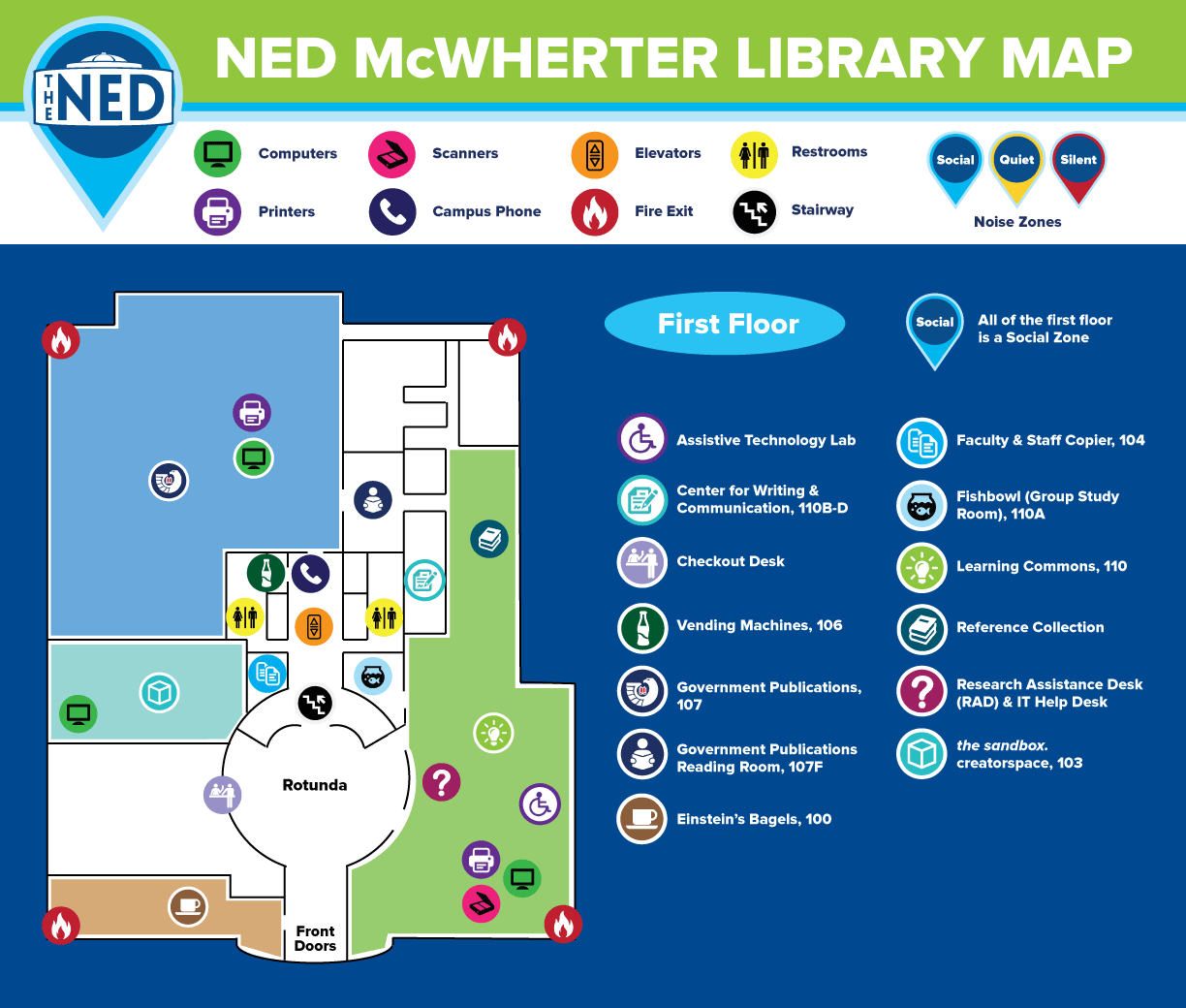
In McWherter Library, the 1st Floor Learning Commons has both black-and-white and color printers. There is an IT Student Worker in the Learning Commons to assist with your technology.
Printing for community users without a UofM ID isn't available in the Libraries. Community users may use the printing/copying services of Tiger Copy and Graphics.
Scan
In McWherter Library, the 1st Floor Learning Commons has six flatbed scanners. These scanners are best for single-page small scanning jobs and require a UofM username and password to log in.
The Music Library also has a BookEye Scanner (no UofM ID login required) as well as a 14" x 17" flatbed scanner.
Check out these options for free scanning using your mobile device.
Copy
The University Libraries no longer offers public copying.
Tiger Copy and Graphics, located above the University Bookstore, offers both self-serve copying and professional printing/copying.
Fax
The University Libraries no longer offers fax services. FaxZero is an online fax service.
Tiger Copy and Graphics, located above the University Bookstore, offers faxing services for a fee.